Frontend, WordPress
Personal portfolio website
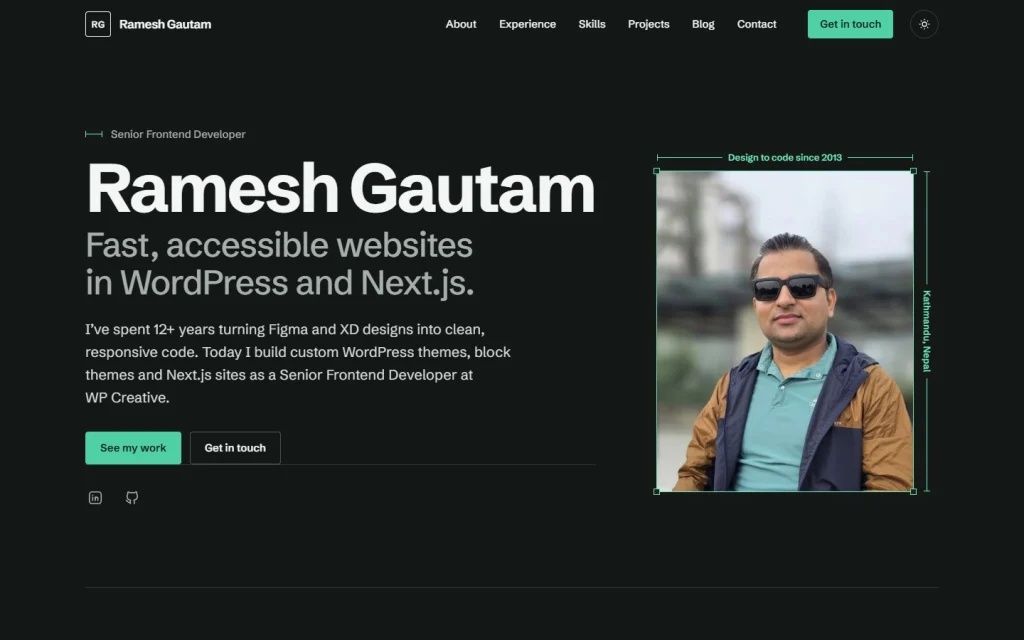
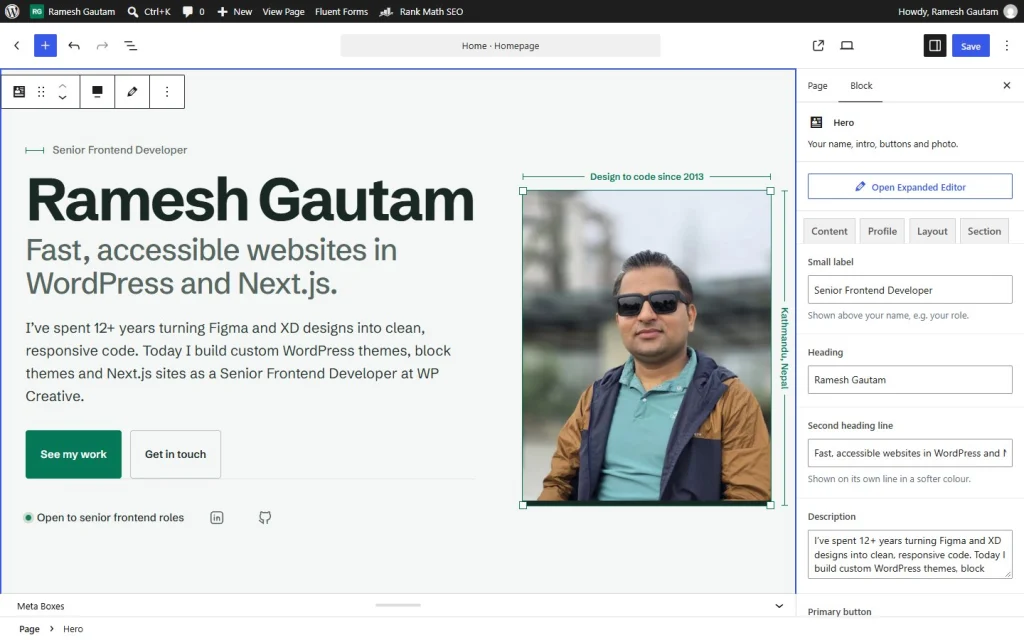
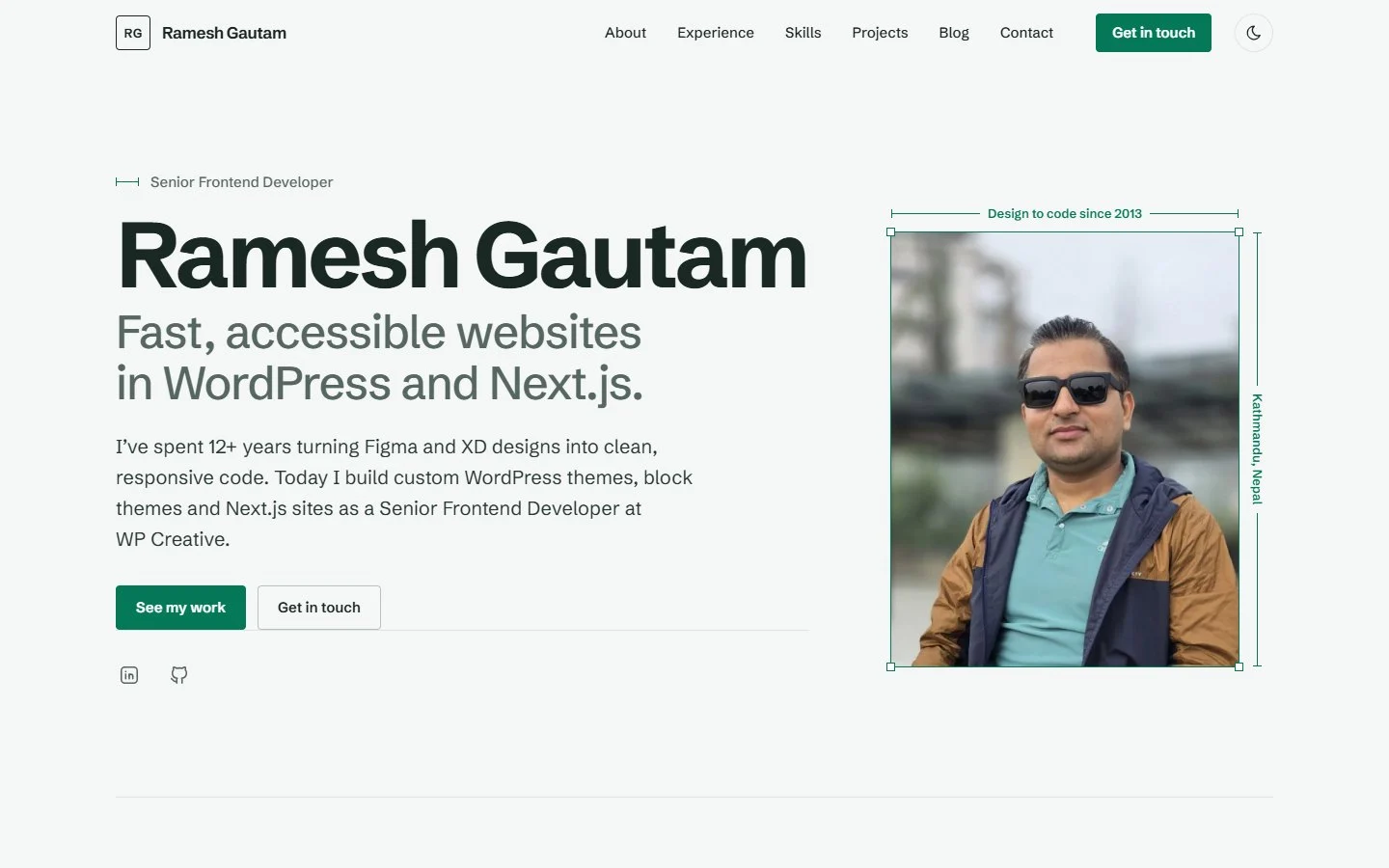
My portfolio website: a custom WordPress theme with editable Gutenberg blocks, nine colour themes, light and dark mode, and automatic deploys.
Challenge
My previous site ran on Elementor with the Hello Elementor theme. It worked, but a page-builder site was a weak showcase for someone who builds custom WordPress themes for a living, and it said little about how I actually work.
I wrote myself a brief for the rebuild:
- Editable without a page builder. Every section managed in the block editor, with the design kept consistent.
- Fast and accessible by default. Top Lighthouse scores on a mid-range phone, not just on my laptop.
- Ready for search. Structured data that describes me as a person, not a business, and thin pages kept out of Google until they are worth finding.
- Safe to change. Every update checked and deployed automatically, with backups and proper login security.
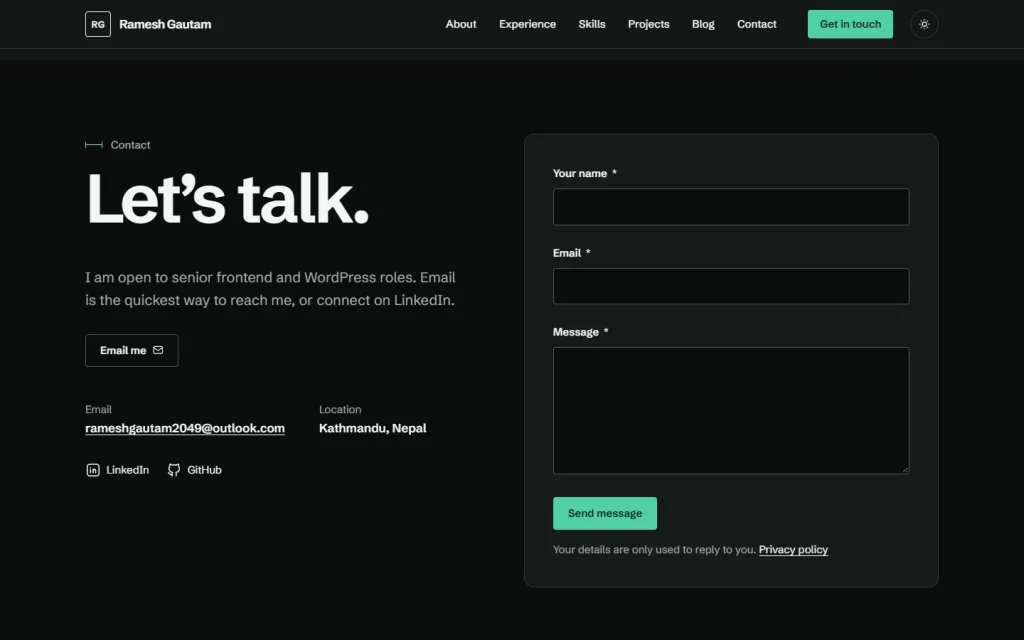
- Respectful of visitors. No tracking without consent, and a contact form that stores no more than it needs.
Solution
I built a custom classic WordPress theme and a small delivery pipeline around it.
- Thirteen custom blocks (hero, experience, skills, projects, contact and more), built with Secure Custom Fields,
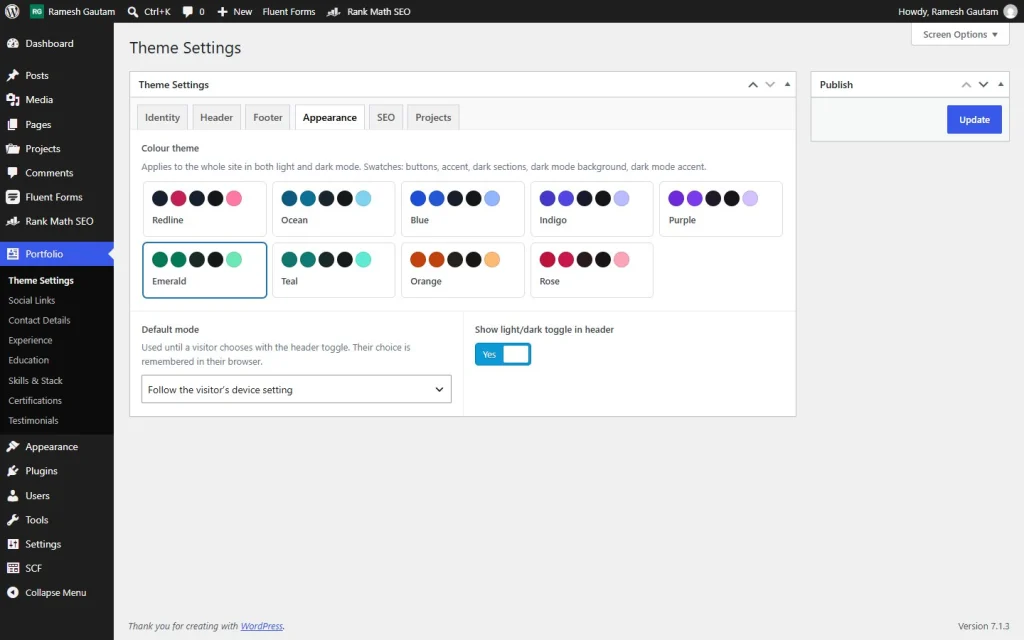
block.jsonand PHP templates. Editors fill in simple fields in the sidebar, and the editor preview uses the same CSS as the live site. - One design token system. Nine colour themes are generated in PHP and checked for WCAG AA contrast before they are used. Light and dark mode follows the visitor’s system setting, remembers their choice and never flashes on load.
- SEO on Rank Math, extended where it matters. The theme adds Person and ProfilePage structured data from the site’s own settings, and automatically keeps projects and categories out of search until they have enough content.
- Automatic, checked deploys. The code lives in GitHub. GitHub Actions checks every push against the live PHP version, then deploys to ordinary cPanel hosting through a signed endpoint, and finally tests the live pages.
- Security and recovery. Security headers, two-factor login, a hidden user list and file editing switched off. Daily database and weekly file backups run from a real server cron job.
- Privacy first. Google Analytics loads only after a visitor accepts. The contact form stores no IP addresses, and email is sent through an authenticated mailbox with SPF, DKIM and DMARC in place.
Result
Measured on the live site in October 2026:
- Lighthouse on mobile: 99 Performance, 100 Accessibility, 100 Best Practices, 100 SEO. On desktop, 100 in all four.
- Main content visible in 1.8 seconds on a simulated mid-range phone (0.5 seconds on desktop), with no layout shift to speak of (CLS 0.001).
- About 180 KB for the whole homepage, photo and contact form included.
- Changes go live about 30 seconds after a push, only once the automated checks pass.
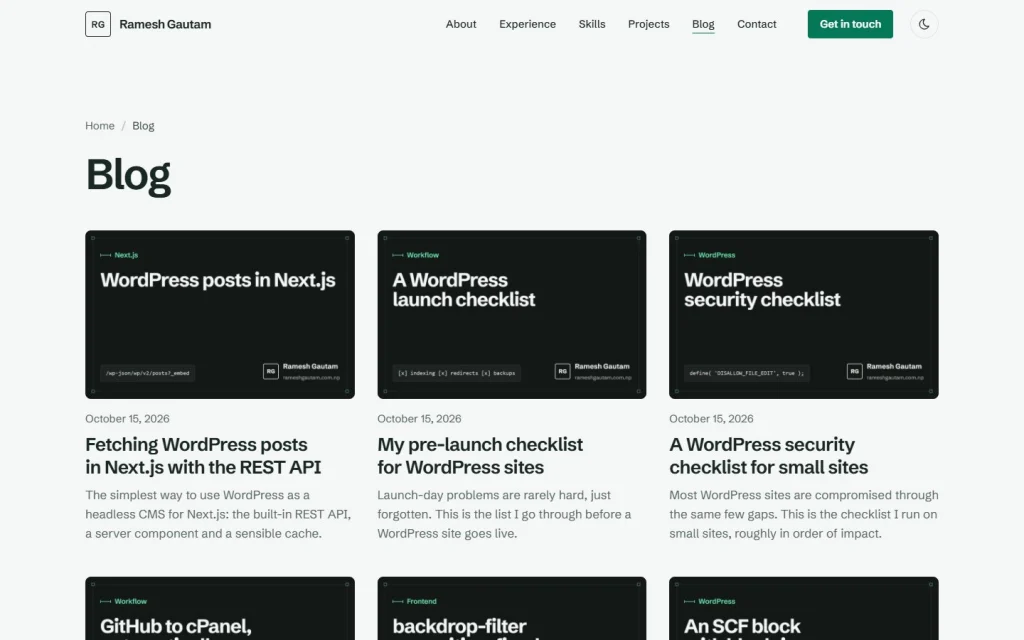
- Twenty articles with branded cover images, published on a domain verified in Google Search Console, with a submitted sitemap.
- Everything editable in WordPress: content, colours, contact form and CV, without touching code.
Under the hood
| Area | What I used |
|---|---|
| Theme | Custom classic theme with theme.json for editor settings |
| Blocks and fields | Secure Custom Fields blocks, field groups saved as JSON in Git |
| Styling | Plain CSS with design tokens and clamp(); no framework, no build step |
| JavaScript | Two small deferred scripts for the menu and dark mode; consent and form scripts only where needed |
| SEO | Rank Math, with theme filters for schema and thin-content rules |
| Forms and email | Fluent Forms, FluentSMTP |
| Hosting | cPanel shared hosting with LiteSpeed and its page cache |
| Delivery | GitHub, GitHub Actions, a signed deploy endpoint and rsync |
I wrote up two parts of the build in more detail: the GitHub Actions deploy pipeline, and the mobile menu bug caused by backdrop-filter. The dark mode and design tokens articles explain the colour system.