Core Web Vitals for WordPress: fixing LCP, CLS and INP
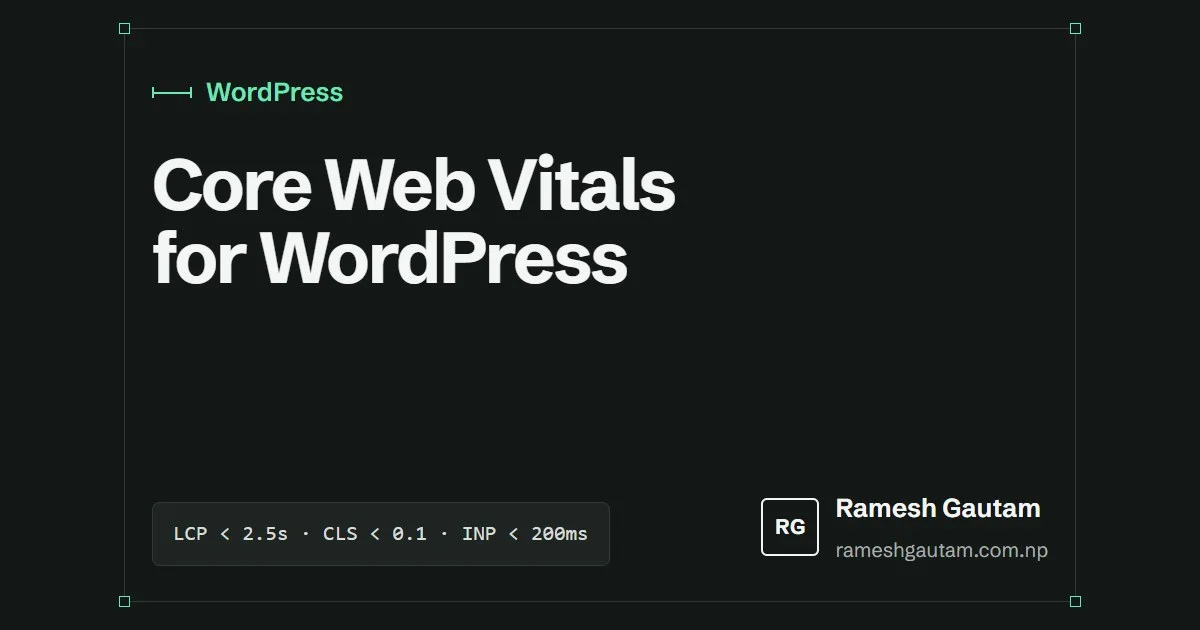
Core Web Vitals are three numbers Google collects from real visitors in Chrome. They feed into search ranking as one signal among many, but the bigger reason to care is simpler: they describe whether a page feels fast and stable to the person using it.
| Metric | Measures | Good |
|---|---|---|
| LCP, Largest Contentful Paint | When the main content appears | 2.5 s or less |
| CLS, Cumulative Layout Shift | How much the page jumps around | 0.1 or less |
| INP, Interaction to Next Paint | How quickly the page responds to input | 200 ms or less |
Field data first
Lighthouse and PageSpeed Insights give you lab scores from one simulated visit. Google ranks on field data from real visitors over 28 days, shown in Search Console’s Core Web Vitals report and at the top of PageSpeed Insights. Use the lab tools to find causes, and the field data to confirm fixes worked.
LCP: get the main thing on screen
On most WordPress pages the LCP element is the hero image or the main heading. The usual problems, in order of how often I see them:
- Slow server response. Without page caching, every visit rebuilds the page in PHP. A page cache (LiteSpeed Cache, WP Rocket or your host’s cache) usually takes time to first byte from around a second to a couple of hundred milliseconds.
- The hero image is lazy-loaded.
loading="lazy"on the LCP image delays it on purpose. WordPress skips lazy loading for the first content image, but theme templates and page builders often add it back. - The browser finds the image late. Background images in CSS and images inserted by JavaScript are discovered after the CSS or script loads. Use a real
<img>and addfetchpriority="high". - The image is too large. Serve sizes that match the layout with
srcsetandsizes, in WebP. More on that in responsive images in WordPress.
echo wp_get_attachment_image( $hero_id, 'large', false, array(
	'loading'       => 'eager',
	'fetchpriority' => 'high',
	'sizes'         => '(min-width: 1024px) 420px, 80vw',
) );
CLS: reserve the space
Layout shift happens when something appears and pushes content down. On WordPress the usual suspects are:
- Images without dimensions.
wp_get_attachment_image()addswidthandheight. Hand-written<img>tags often don’t. - Web fonts. A fallback font with different metrics reflows text when the web font arrives. Preload the one or two files you need and use
font-display: swap. - Embeds, ads and cookie banners injected above content. Give their containers a fixed minimum height, or place them where a shift can’t move anything.
INP: do less work on the main thread
INP replaced First Input Delay in 2024 and is the metric WordPress sites now fail most. It measures the delay between a tap or click and the next visual update, and long JavaScript tasks are the cause.
- Remove plugins that add front-end scripts you don’t use. Sliders, page builder runtimes and chat widgets are the heavy ones.
- Load scripts with
defer(WordPress 6.3+ supports'strategy' => 'defer'inwp_enqueue_script). - Delay third-party tags until after the page loads.
- Keep event handlers small; anything slow can wait for
requestAnimationFrameor asetTimeout.
This site loads two small deferred scripts, one for the menu and one for dark mode, and nothing else on most pages. That’s the easiest INP strategy: very little JavaScript.
A short routine
- Check Search Console’s Core Web Vitals report monthly.
- For a failing URL group, run PageSpeed Insights on one example.
- Fix the top cause, deploy, and wait for the 28-day field data to update.
Keep reading
A WordPress security checklist for small sites
Most WordPress sites are compromised through the same few gaps. This is the checklist I run on small sites, roughly in order of impact.
Building an SCF block with block.json, step by step
A complete walkthrough of a Secure Custom Fields block: block.json, a field group, a PHP render template and a preview that matches the front end.
theme.json in a classic WordPress theme: what it’s good for
You don't need a block theme to benefit from theme.json. In a classic theme it gives you one palette, consistent presets and a tidier editor.